Header and text widget
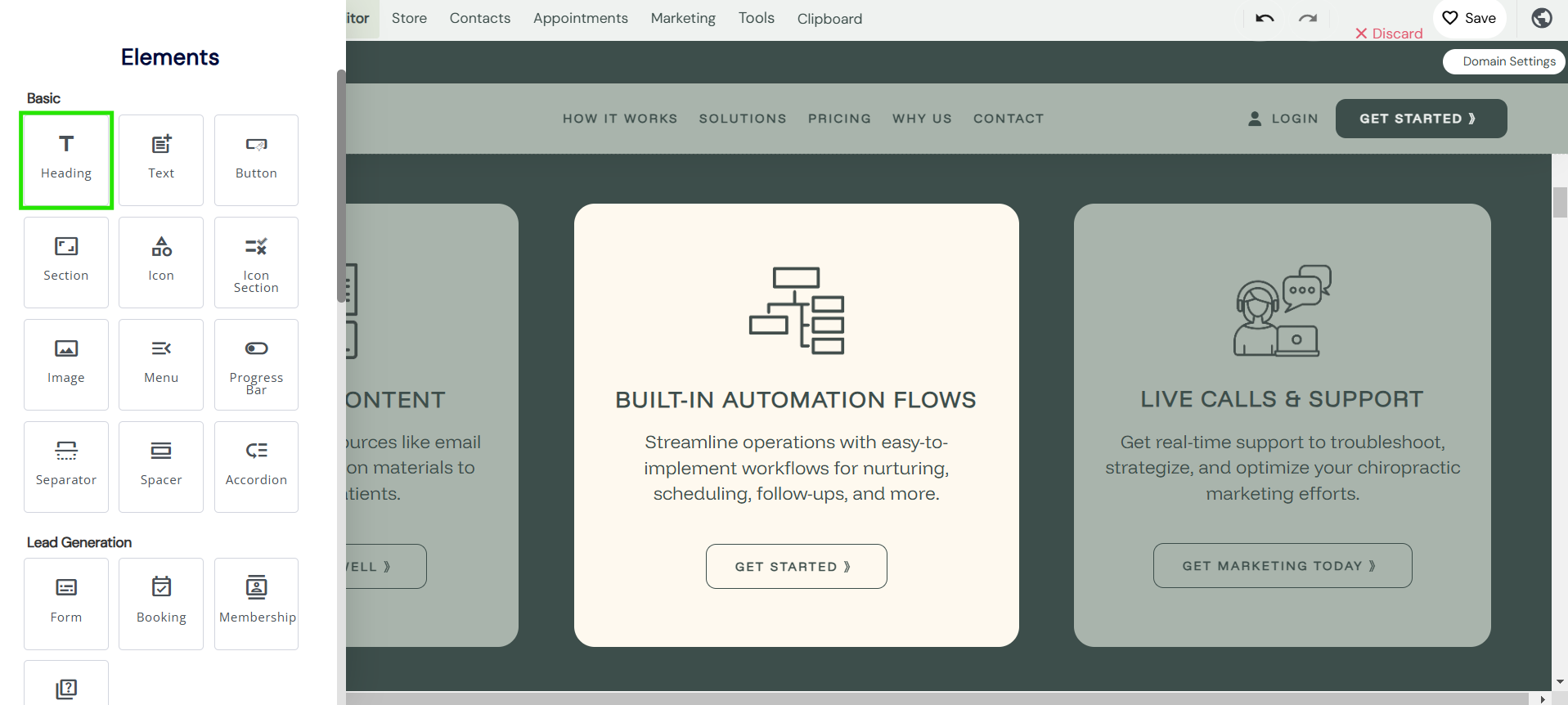
- To add text to your builder - Select the header or text tab in the basic widgets section.
Text styling
Font type: This setting tab enables to you select your font type.
- H1 - H6
- Paragraph
- Quote
- Code
- Normal

Font type: This setting tab enables to you select your bold, Italic, or normal.
Font style: This setting tab enables to you select:
- Underline
Strikethrough- Subscript
- Superscript

Font family: This setting tab enables to you select your font family.
- You can pre-define your font within the global styling settings and also add your own custom and pre-designed fonts too.

Font sizing: This setting tab enables to you select the size of your font. Font sizing can be pre-designed in the global settings tab too.
Font colour: Select the colour of your font, or use the global styling brands to pre-add the colouring for you.
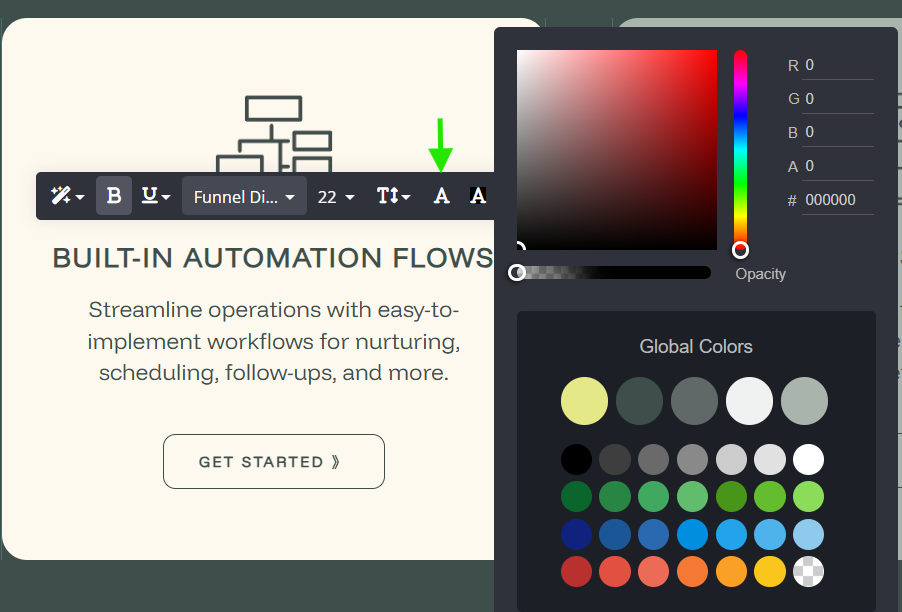
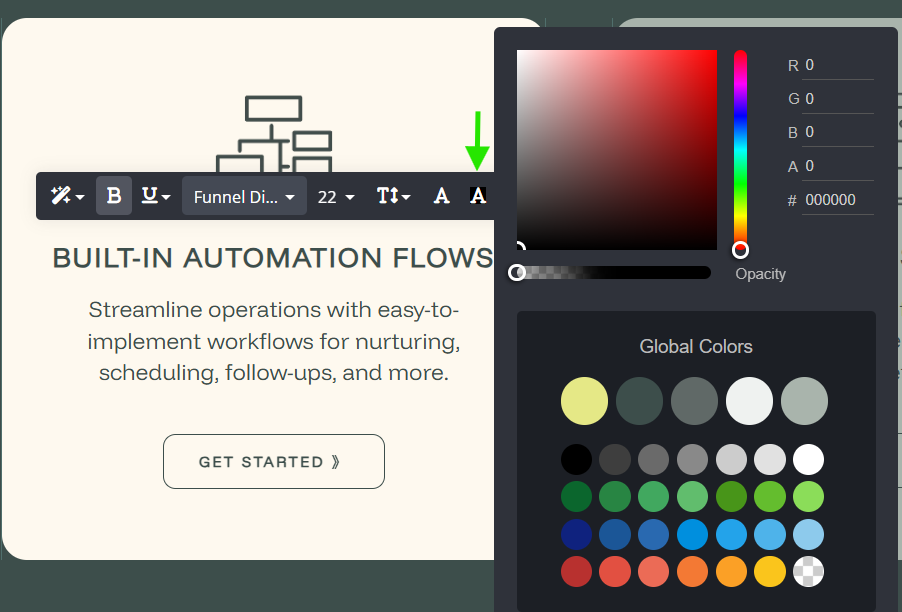
Font background colour: This setting tab enables to you set a background colour to your text
Font alignment: This setting tab enables to you select the text alignment.
- Left
- Center
- Right
- Justify
- Indent
- Outdent

Font add a link: Add any link, and page, any funnel step and more in one click.