Creating a Membership Product
Within this section, discover how to add a membership store product.
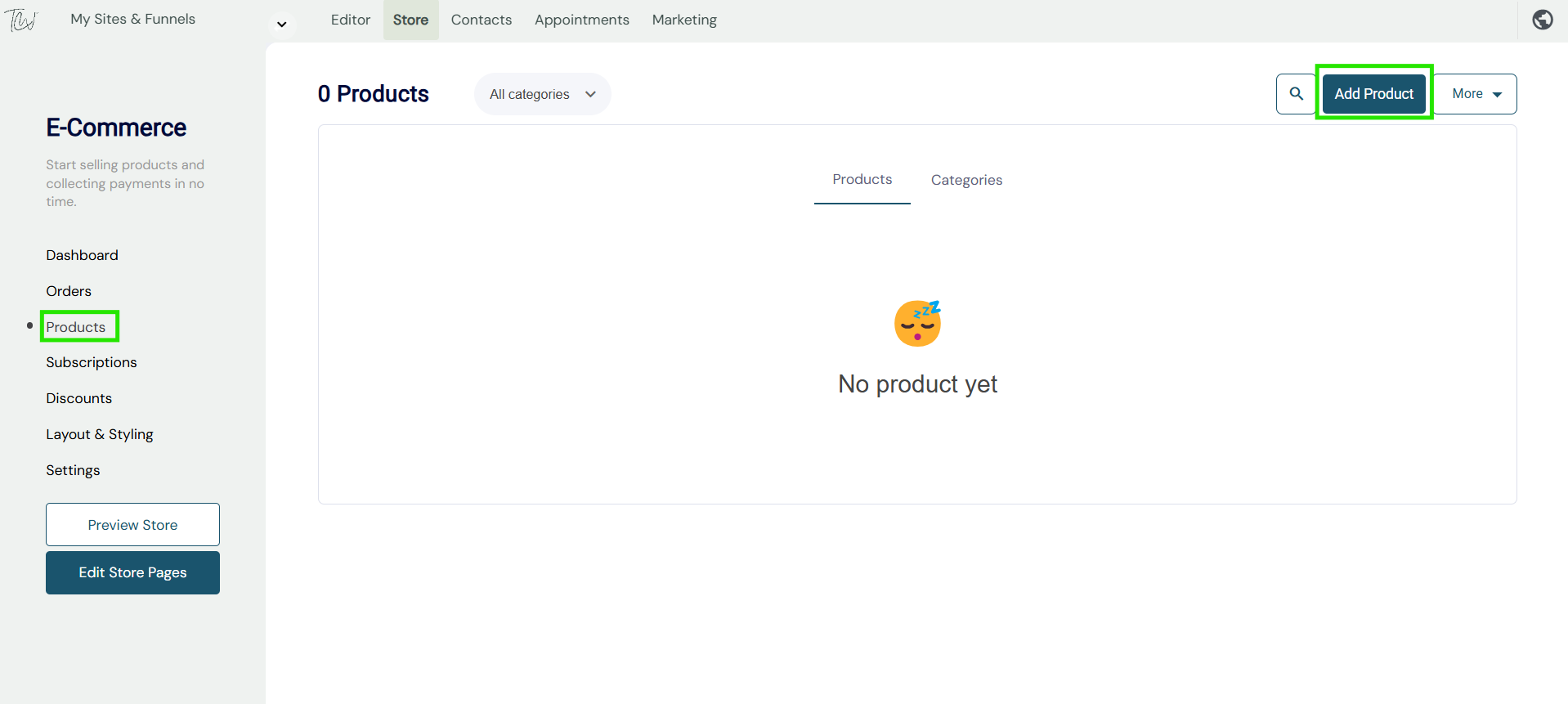
- Select the membership product tab, then your product design page will open. 'as shown below'
- Enter your product title, description, price, add a category and configure your product variations.
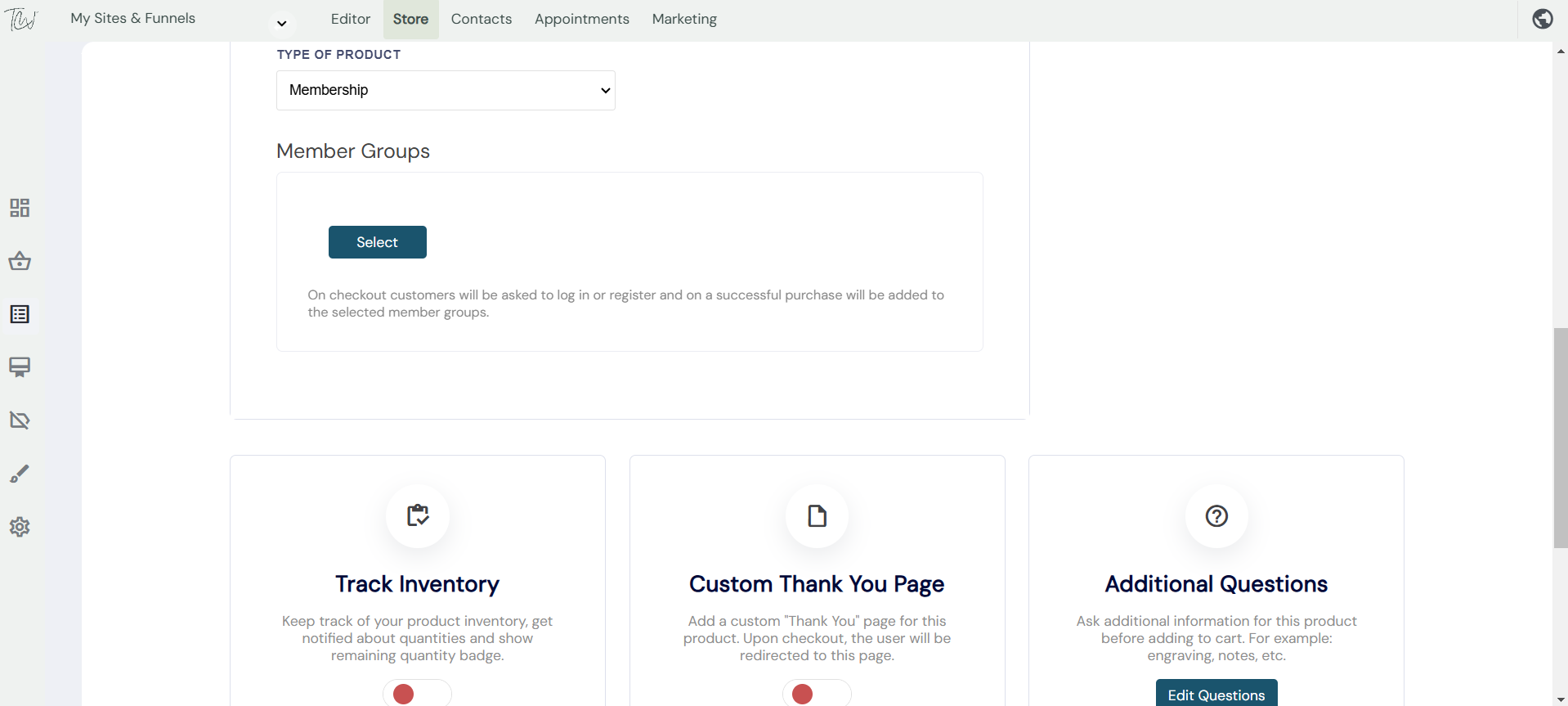
Adding your member's group: Select the member's button. Select from the pop-out menu which membership group you would like to associate with the product. Visitors who purchase this product will automatically be added to the dedicated member's group. Note - You can add more than one group if required.
Once you are done, hit save and your product is ready to sell.